
AI Background Change
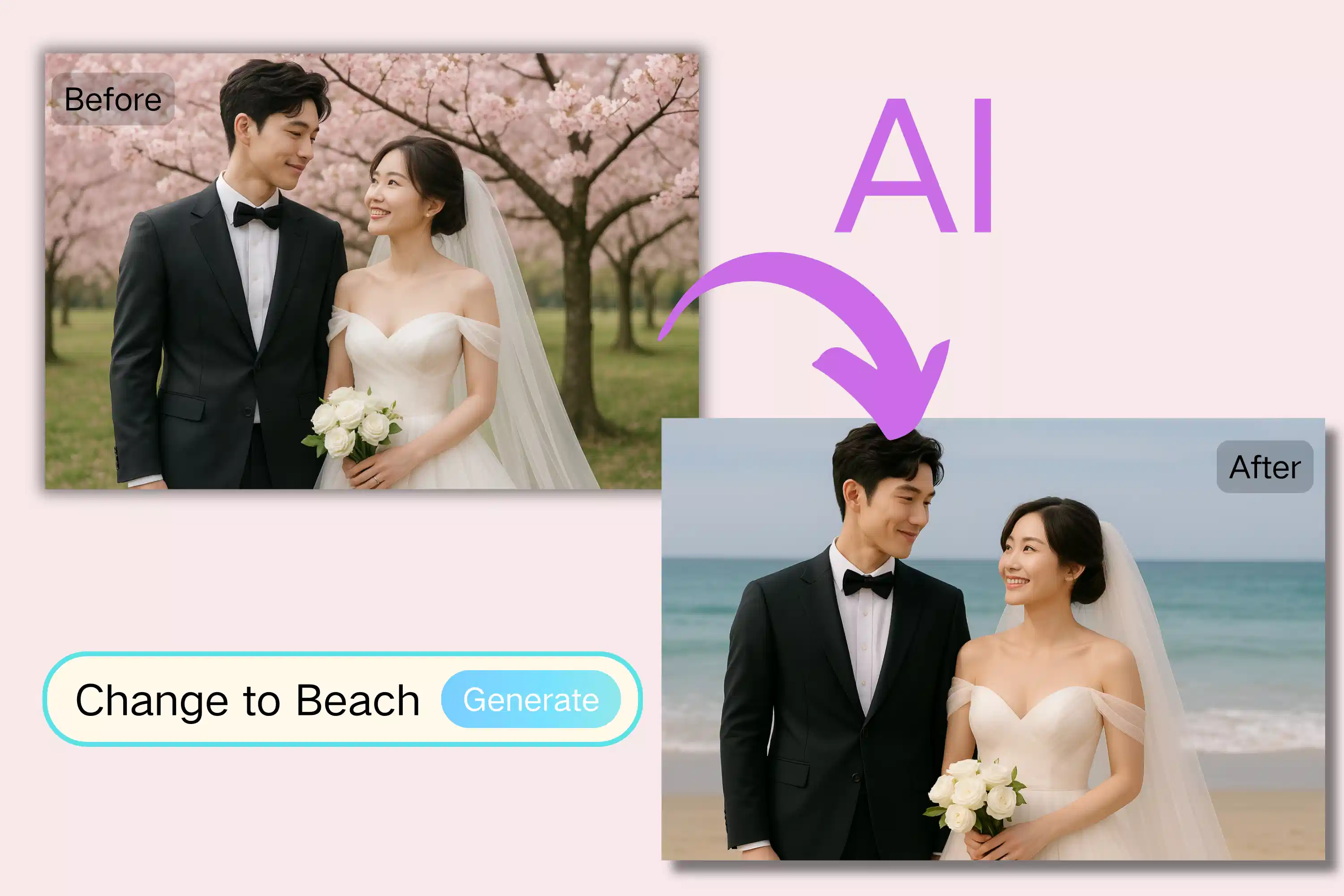
AI Background Change swaps, removes or cleans photo backgrounds instantly for clean, mobile-ready images.
Feedback
All Tools
Browse AI tools
MiniMax H3
MiniMax H3 AI Video Generator
Seedance 2.5
The Future of AI Video Is Here.

Seedance 2.0
The Future of AI Video Is Here.

Veo3.1
Create Stunning Videos with Veo3.1
FLUX 3 Video Generator

Kling 3.0
Next-Gen AI Video Generator
Grok Video Generator
Create Videos from Text or Images with AI
MiniMax H3 video generator
MiniMax H3 AI Video Generator
What is AI Background Change?
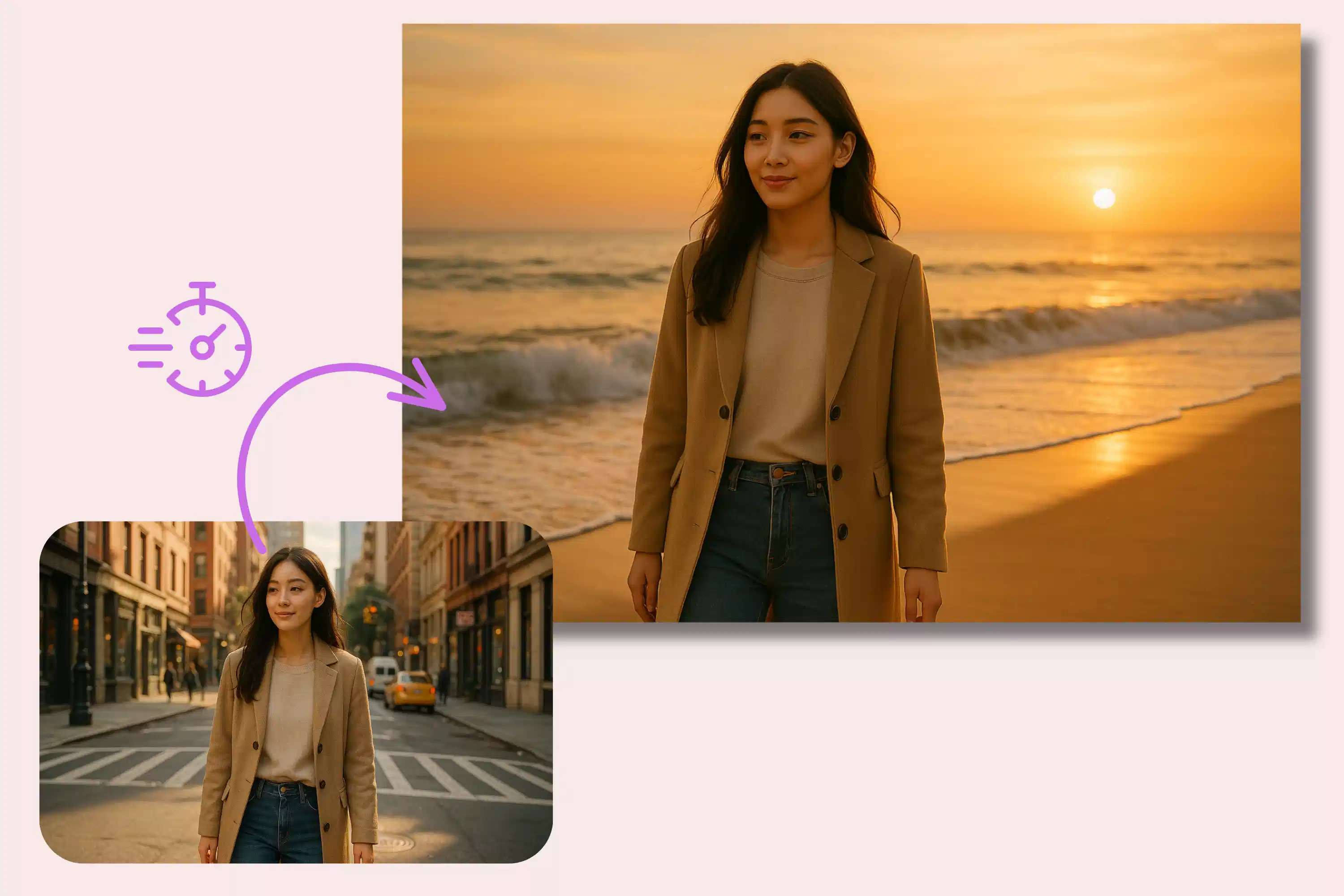
AI Background Change replaces backgrounds fast while preserving subject edges, texture and natural lighting.
- Edge KeepPreserves crisp subject edges in cutouts.
- Clean RemovalRemoves clutter, keeps fine detail.
- Color SafeMaintains natural tones after swap.
Why Choose AI Background Change
Fast clean cutouts, natural edges, batch speed, stable color.

How to Use AI Background Change
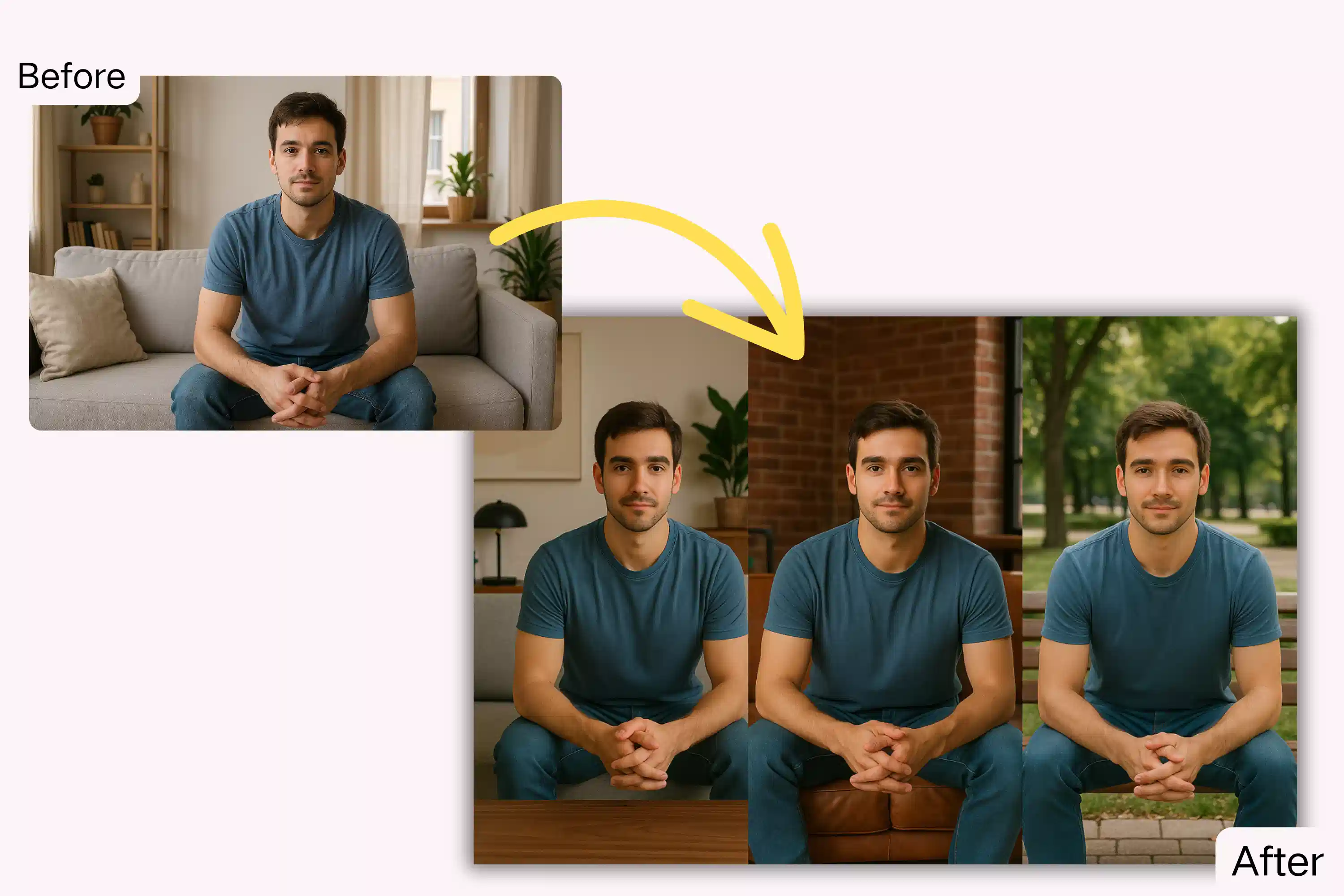
Upload a photo, describe the new background, generate and download — AI Background Change makes it simple.
Advanced Features of AI Background Change
Accurate cutouts, color-safe swaps and fast batch processing — core features of AI Background Change.
Accurate Cutout
Keeps edge detail sharp.
Texture Keep
Retains surface detail.
Face Safe
Preserves facial detail.
Artifact Clean
Removes blend artifacts.
True Color
Natural tone kept.
Batch Speed
Process many quickly.
Common Questions About AI Background Change
Answers on speed, supported formats and best practices for AI Background Change.
Core function?
Removes or replaces backgrounds fast.
What is unique?
Clean edges, natural color, quick runs.
What can change?
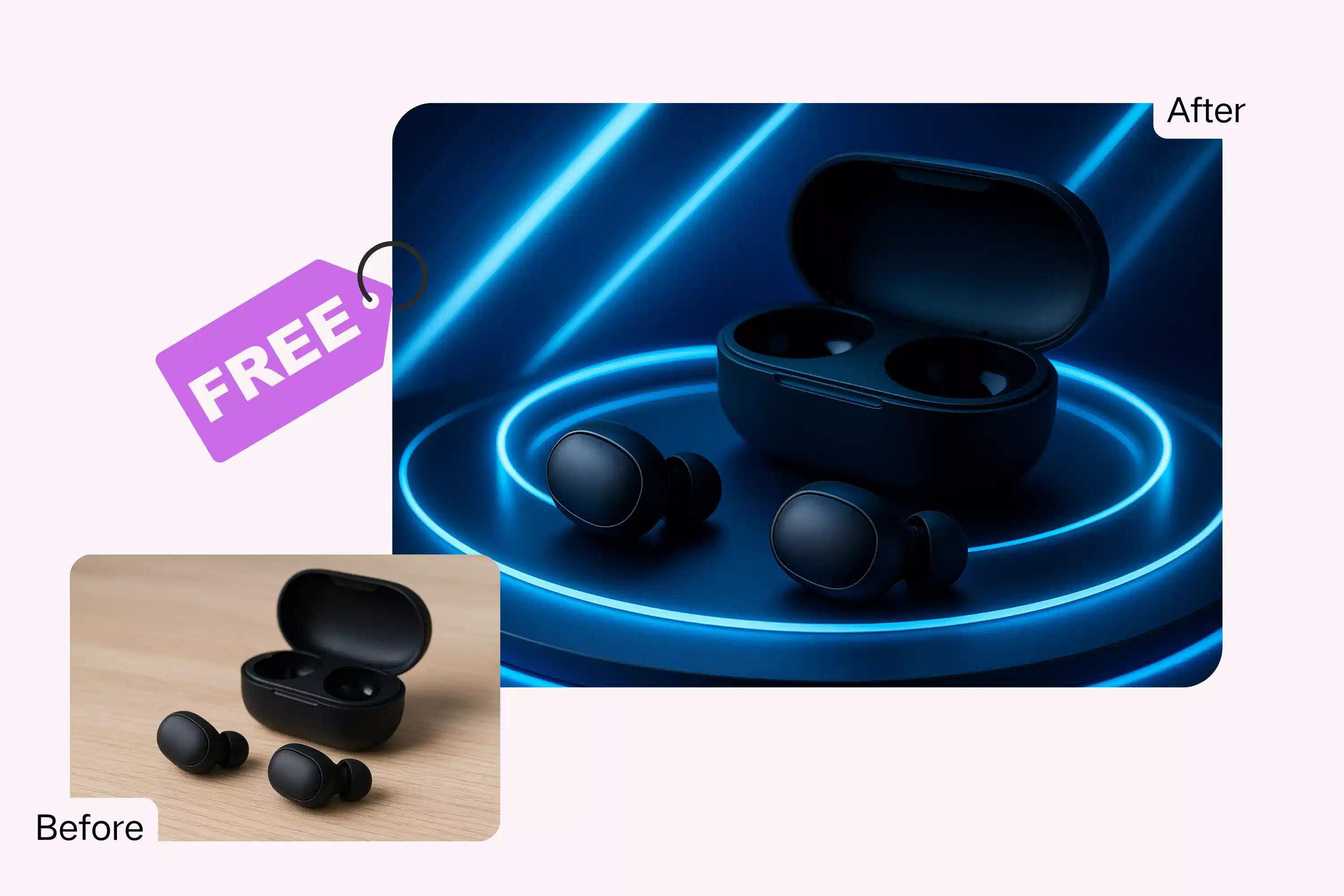
Products, people, logos, scenes, ads.
Speed?
Most finish under a minute.
Faces safe?
Yes, facial detail preserved.
Commercial use?
Yes, per plan terms.
Change Background Now with AI Background Change
Swap backgrounds fast. Clean, natural, ready for use.