
AI Image Upscaler
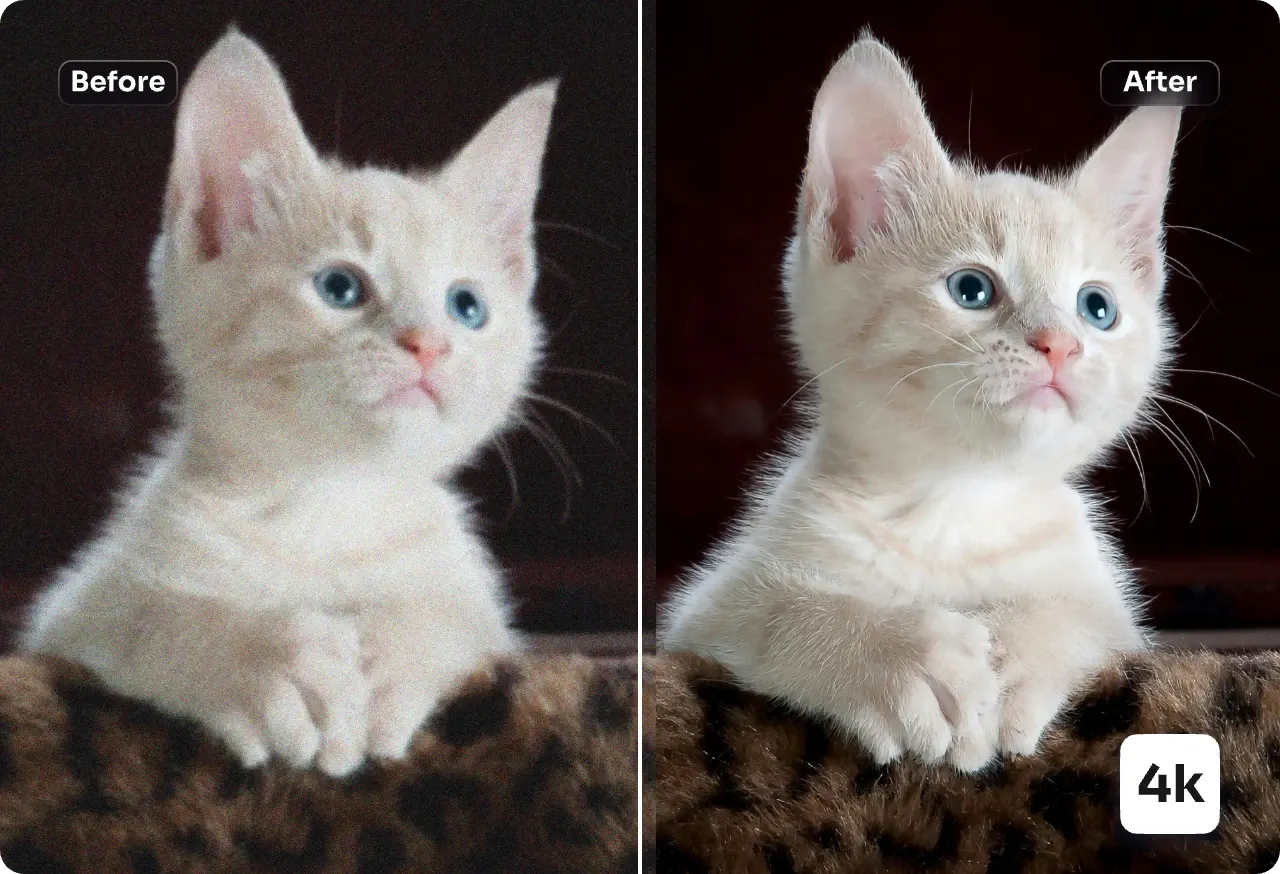
AI Image Upscaler enlarges images up to 4x with smart denoise and natural detail recovery for print and web.
Feedback
All Tools
Browse AI tools
MiniMax H3
MiniMax H3 AI Video Generator
Seedance 2.5
The Future of AI Video Is Here.

Seedance 2.0
The Future of AI Video Is Here.

Veo3.1
Create Stunning Videos with Veo3.1
FLUX 3 Video Generator

Kling 3.0
Next-Gen AI Video Generator
Grok Video Generator
Create Videos from Text or Images with AI
MiniMax H3 video generator
MiniMax H3 AI Video Generator
What is AI Image Upscaler?
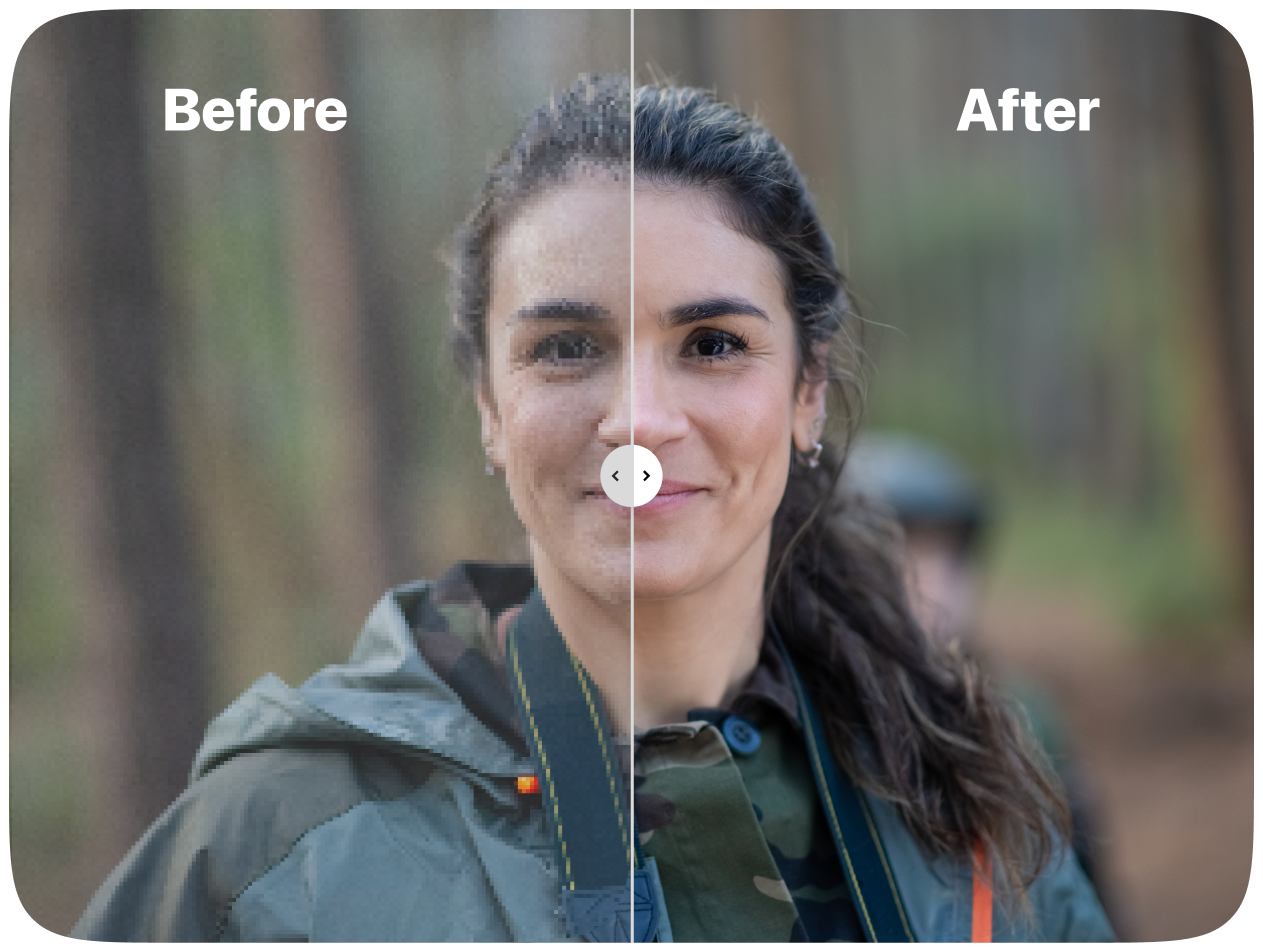
AI Image Upscaler restores detail and removes artifacts while preserving faces, logos and textures for high-quality results.
- Detail PreservationRecovers texture and micro contrast without plastic over-smoothing for natural results.
- Face & Text EnhancementImproves eyes, hair, skin tone and small typography while avoiding halos.
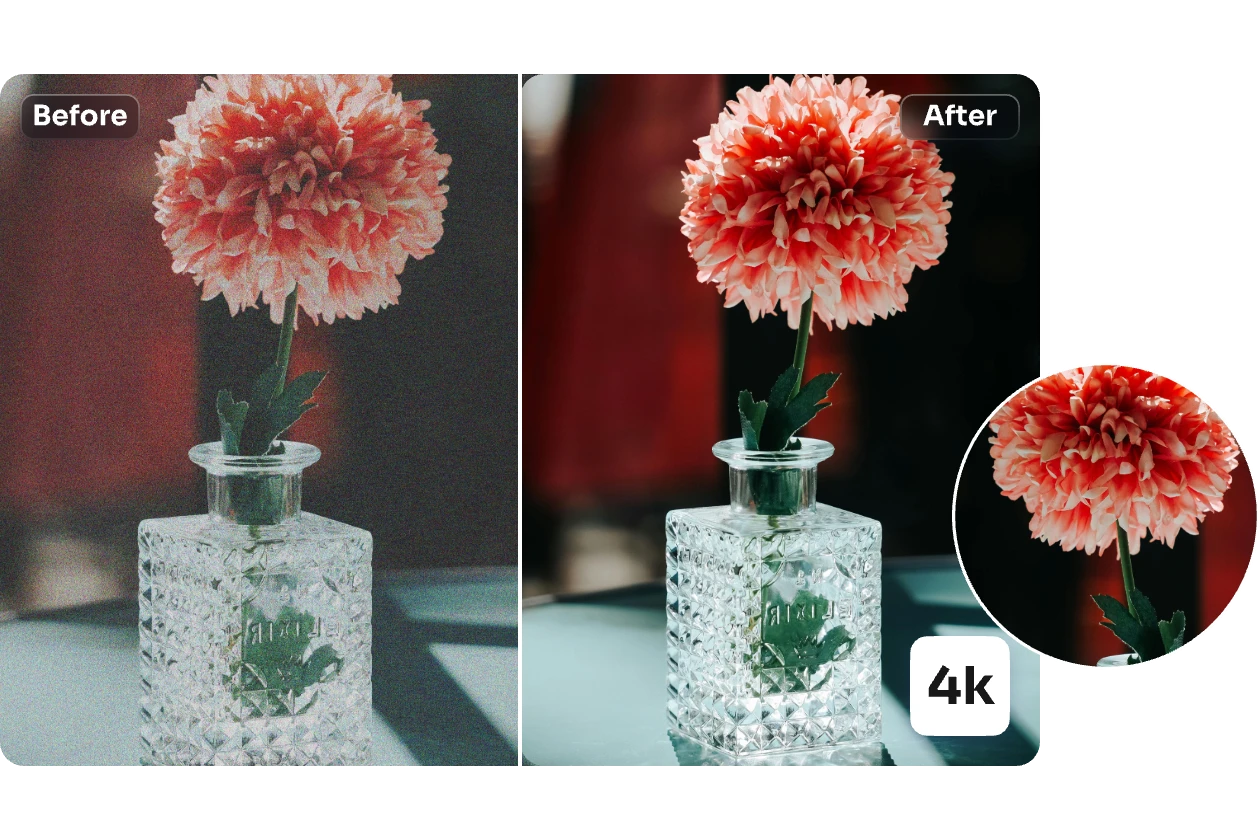
- Smart Noise RemovalCleans noise and compression blocks while keeping edge definition stable.
Why Choose AI Image Upscaler
Higher clarity, natural textures, fast batch processing, reliable face recovery and brand asset protection.
How to Use the Upscaler
Upload, choose scale, run AI Image Upscaler and download the high-resolution image in minutes.
Advanced Features of AI Image Upscaler
High-fidelity enlargement that preserves texture and brand assets while cleaning noise — powered by AI Image Upscaler.
High-Fidelity Enlargement
Rebuilds lost detail and edge sharpness for crisp display and print.
Texture Recovery
Restores skin, fabric, metal and product surfaces without waxy blur.
Face Refinement
Enhances eyes, hair strands and subtle facial structure naturally.
Artifact Removal
Eliminates JPEG blocks, ringing and noise while retaining detail.
Color & Tone Balance
Maintains natural contrast and vibrancy—no over saturation.
Fast Batch Queue
Process sets of images efficiently for production workflows.
Common Questions About AI Image Upscaler
Common questions about formats, speeds, and commercial use for AI Image Upscaler.
What is the core function?
It enlarges images while restoring clarity: sharpen edges, recover texture, reduce noise and remove artifacts.
What makes it different?
Balanced enhancement avoids over-smoothing, preserves brand assets and runs quickly for production.
What can it enhance?
Faces, logos, UI elements, textures, product labels, compressed photos and scanned artwork.
How fast is processing?
Most images finish under a minute depending on resolution.
Does it preserve faces and logos?
Yes—dedicated refinement keeps identity, typography and brand edges stable.
Can I use results commercially?
Yes, subject to your plan terms and original asset rights.
Enhance Images Now with AI Image Upscaler
Sharpen detail, clean noise and upscale for print or product use in seconds.